Branded graphics for every platform, made by your AI agent.
Thumbnails, covers, banners, store graphics and more: sized right, checked, and repeatable.


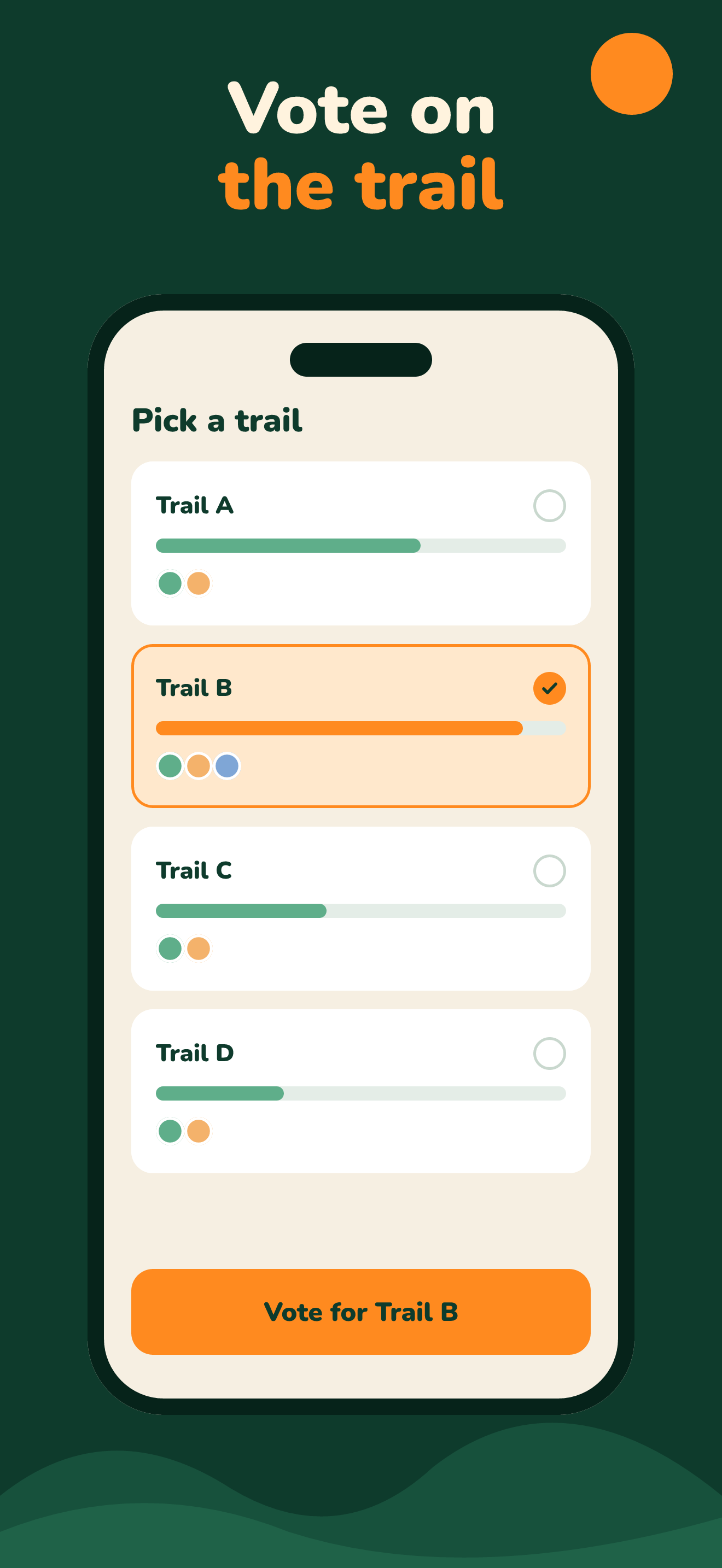
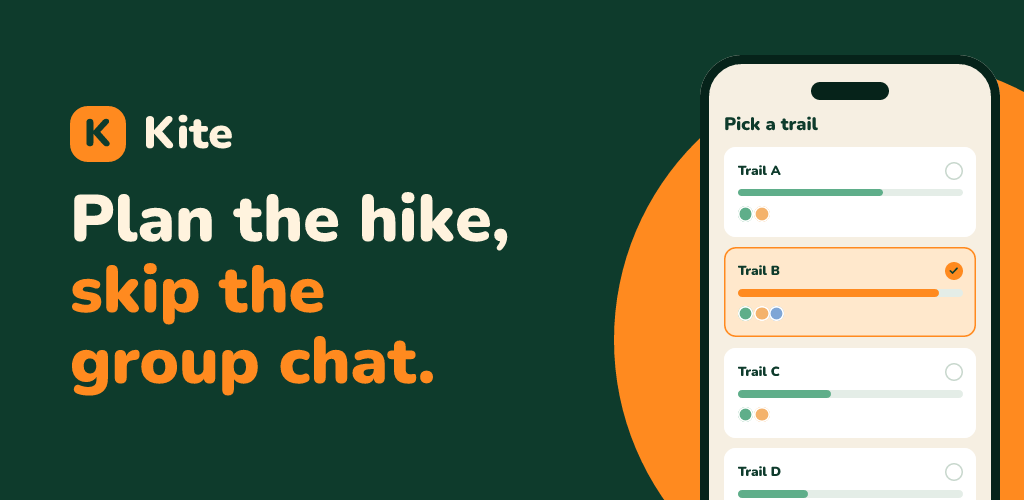
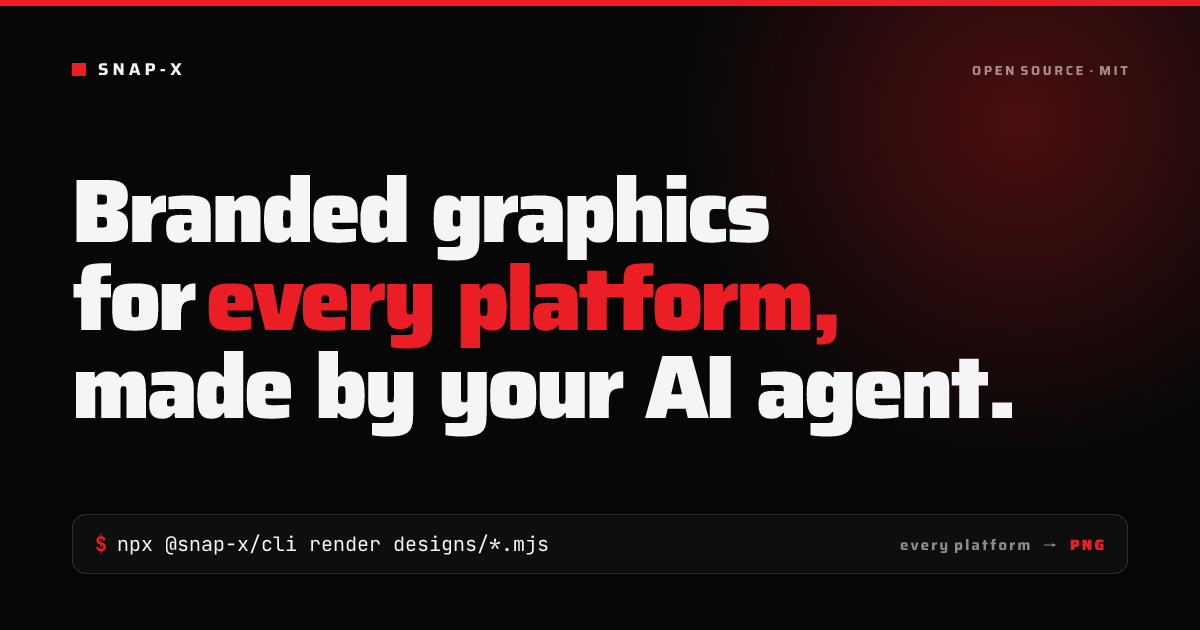
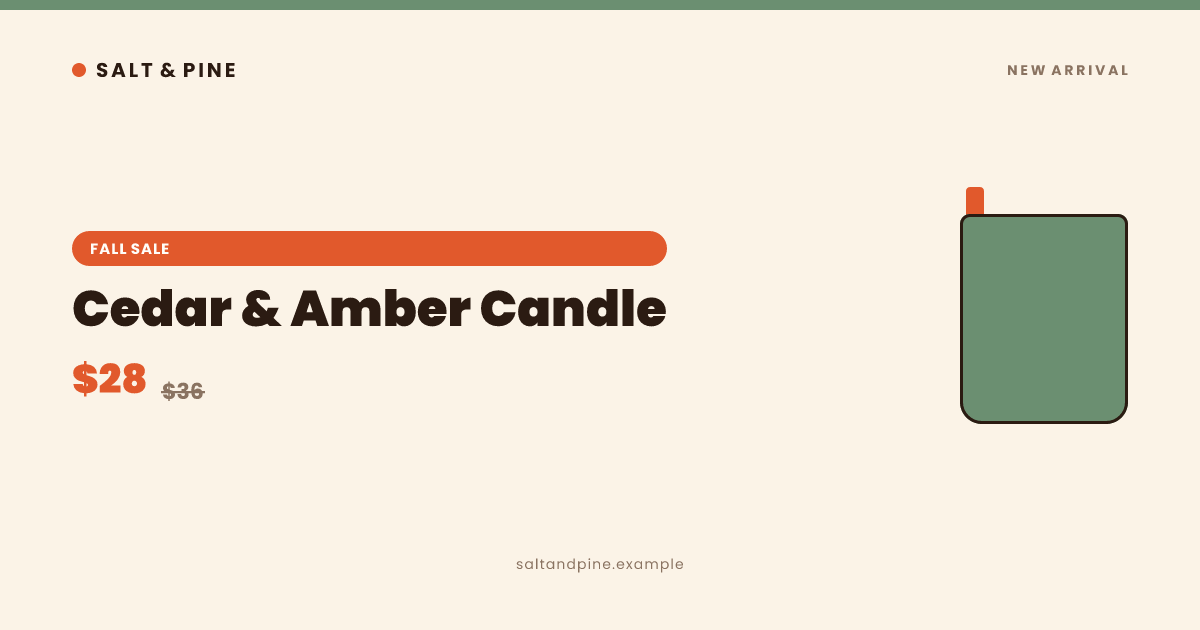
All made by snap-x, from a design file — not screenshots or mockups. See every example.
Features
Everything you need to ship on-brand graphics
No config, no auto-detection — every design file declares exactly what it needs.
No browser. No config.
Pure Node.js pipeline powered by Satori + resvg-js. Renders in seconds, anywhere Node runs.
Design files as code
Self-contained .mjs, .jsx or .tsx files (no React). Export VARIANTS to render a whole series — an episode, a product line — from one template.
Any Google Font, one line
Load any weight of any Google Font. Emoji rendered as Twemoji. Automatic fallbacks for CJK, Arabic, Hebrew, Devanagari, and more.
Every platform format
OG cards, YouTube thumbnails, X banners, LinkedIn covers, Instagram posts, App Store screenshots, Play Store graphics — built in.
AI-native workflow
The snap-x skill for Codex and Claude Code reads your project, finds your real logo and fonts, and writes + renders the full pack automatically.
MCP server included
Render, check and preview designs from Cursor, Windsurf, or Claude Desktop via the @snap-x/mcp server.
The problem
Graphics that are close, but not quite right
Platform-shaped mistakes are easy to make and easy to miss until it's live.
Workflow
Point, plan, render and verify
The agent does all three. Or write and run the same steps yourself with the CLI.
Point
Give your agent a repo, a website URL or a written brief.
/snap-xPlan
It pulls your real logo, colors, fonts and copy, picks the formats you need, and writes a plan.
snap-plan.mdRender and verify
It writes one design file per format, checks them, renders exact-size PNGs, overlays each platform's danger zones, and looks at every image before handing them over.
snap-x check && renderUse cases
Whatever you make, there's a format for it
Thumbnails, channel art, Shorts
LinkedIn cover, X header
App Store screenshots, Play feature graphic
OG/link previews, README cards, GitHub social preview
Sale and promo banners, Instagram posts and stories
Exact & repeatable
One template. Infinite, exact renders.
The design is a code file — not a canvas someone can accidentally nudge.
- Your real logo is embedded, not redrawn.
- Text is exactly what you wrote — no drift, no reinterpretation.
- The size is exact — no cropping to fit a platform.
- Change one word — "Episode 12" → "Episode 13" — and only that word moves.
- Re-render a whole series or catalogue from one template.
- Renders locally, no browser.
FAQ
Questions people actually ask
Why not just use an AI image generator?+
Use one. Tools like Nano Banana and ChatGPT are great at pixels: photos, illustration, texture, mood. snap-x does the work around the art:
- Exact sizes. Image models generate in preset aspect ratios, so exact platform sizes (a 1584×396 LinkedIn cover, a 1024×500 Play feature graphic) usually mean cropping. snap-x renders the exact size.
- Your real logo. It's embedded from the file, not redrawn.
- Precise edits. Change "Episode 12" to "Episode 13" and nothing else moves.
- Series and batches. One template gives identical layouts across a thumbnail series, a catalogue of banners or localized screenshots.
- Platform rules. Safe zones, mobile crops and store no-alpha rules are built in and checked.
- Yours, locally. The design is a code file you can diff and version; renders run on your machine.
They combine well: generate a background or product shot, then let snap-x place it with your logo and copy at every size.
Do I need Claude Code?+
No. snap-x has skills for Codex and Claude Code, an MCP server for Claude Desktop, Cursor, Windsurf and other MCP agents, and a CLI for writing designs by hand.
Can it make photos or illustrations?+
No. snap-x lays out text, shapes, logos and images you supply; it doesn't generate art. Bring your own images, or generate them elsewhere and let snap-x place them with your logo, copy and platform rules.
Start rendering in 30 seconds
No account. No API key. Just npm.
Claude Code plugin
Install snap-x for Claude Code
Add the snap-x marketplace, install the plugin, then run /snap-x with a project, website URL, or written brief.
Codex skill
Use snap-x with Codex
From a local snap-x checkout, copy the skill into your Codex skills folder. Then ask Codex to use $snap-x with a project, website URL, or written brief.
Start a new Codex conversation after installing the skill.